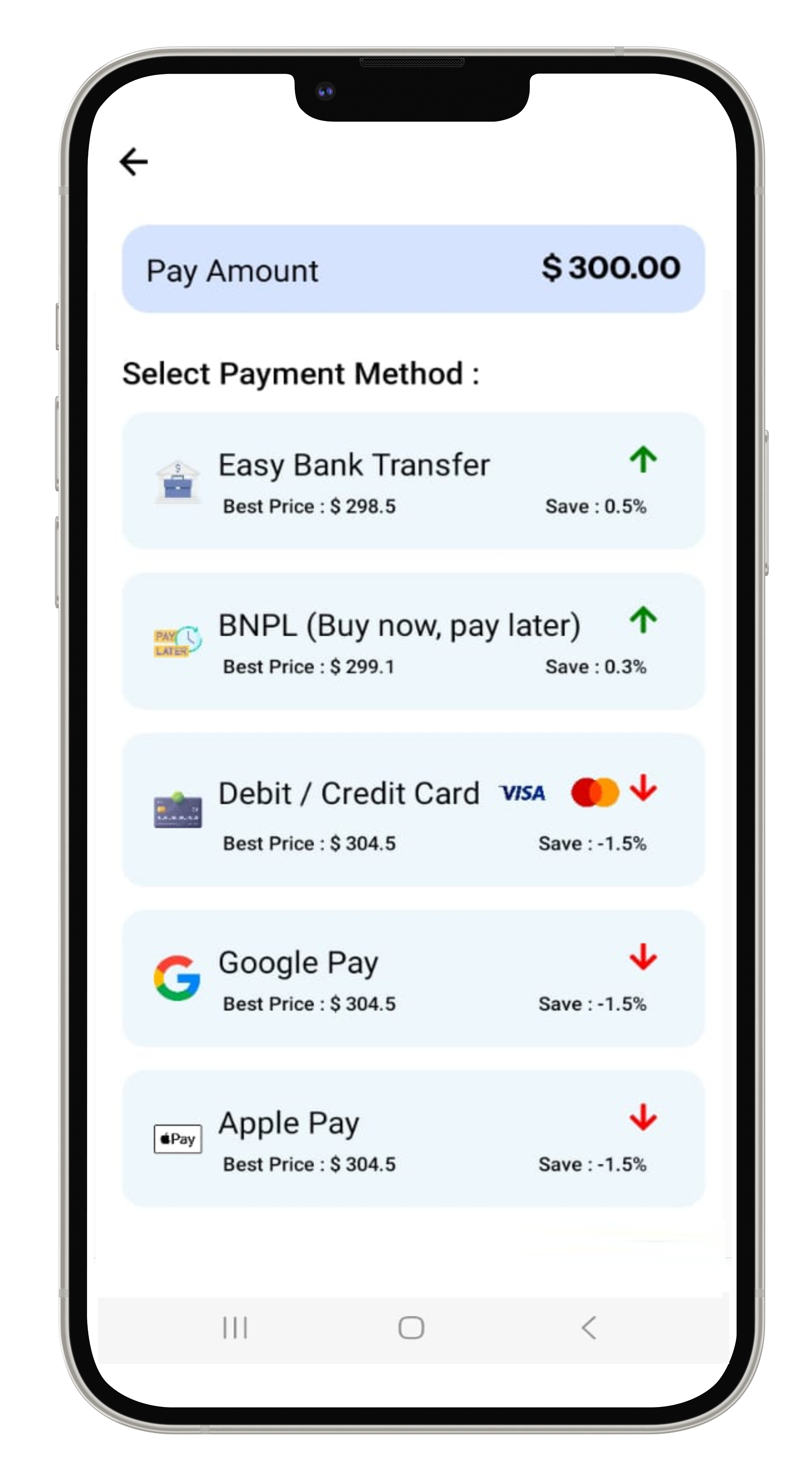
Product Features
Direct Pay Process
Step 1
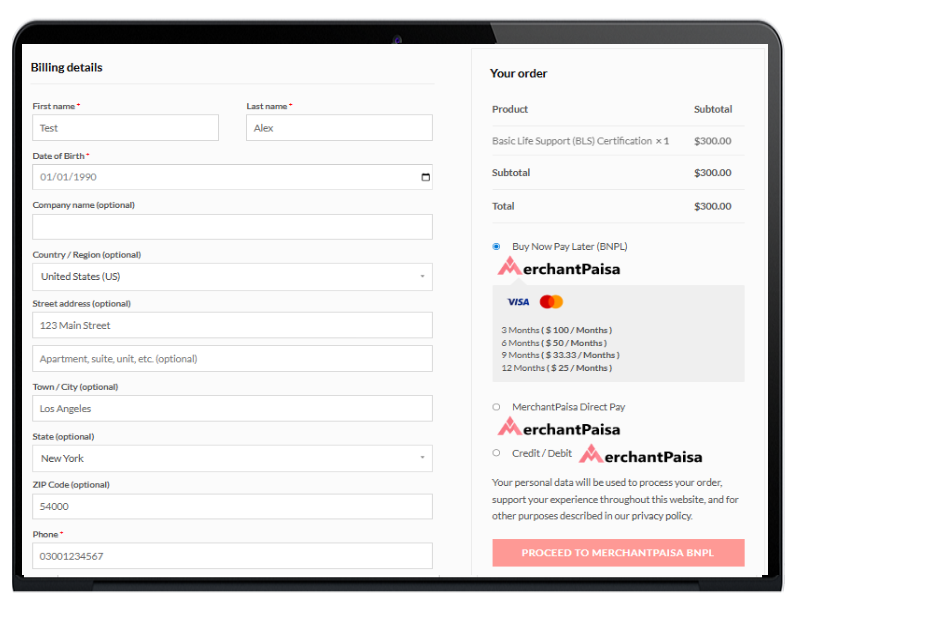
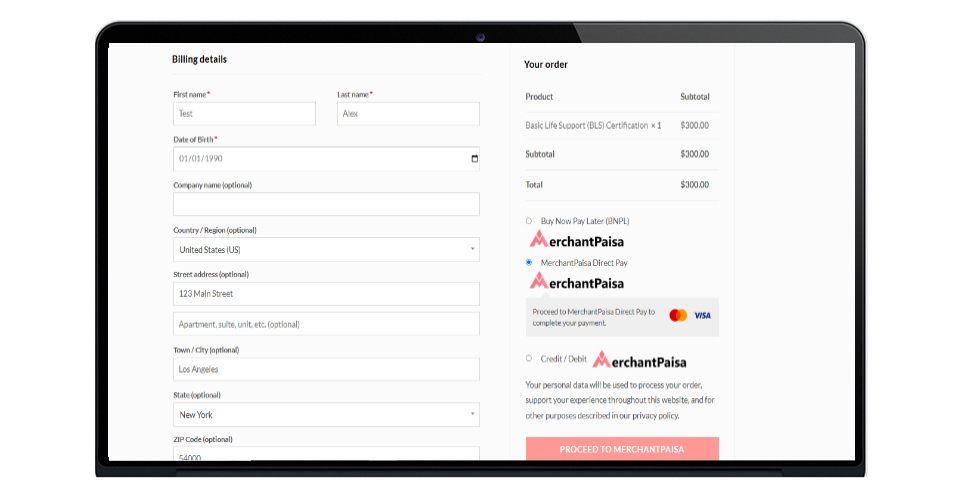
The consumer selects their desired goods from the merchant's online store for MerchantPaisa Direct Pay.
Step 2
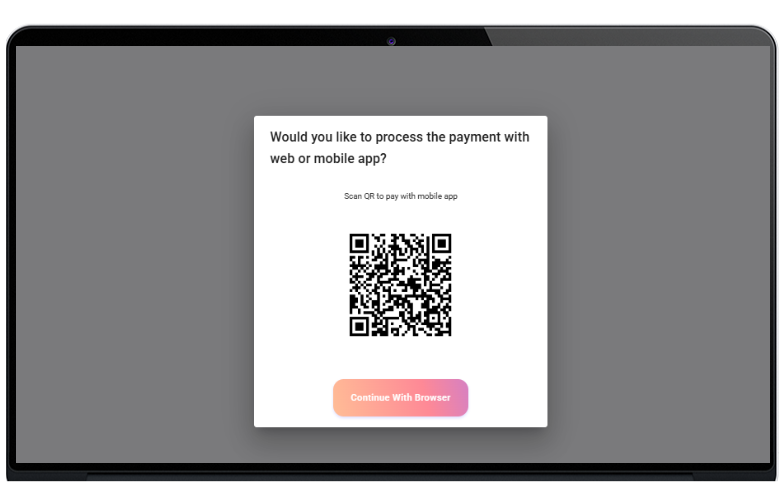
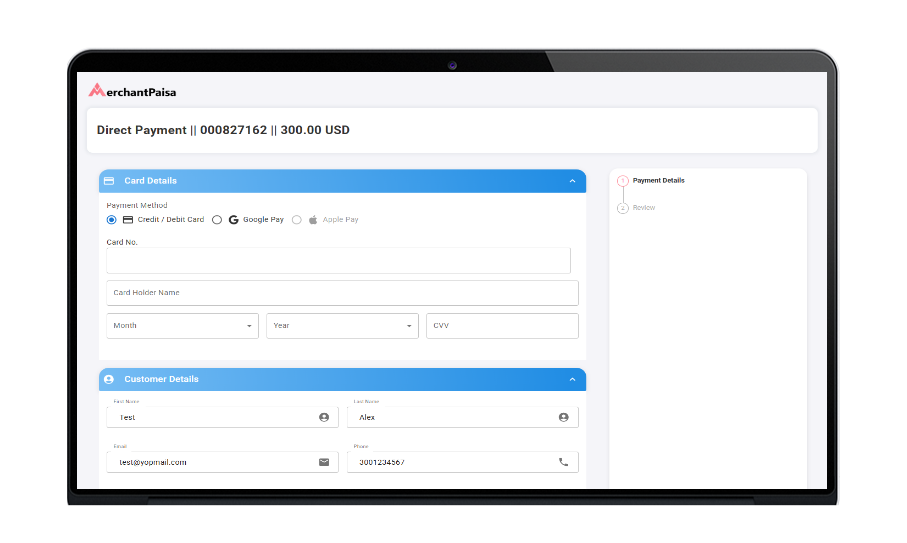
Customers can continue their shopping either directly through the browser or by scanning a QR code on their mobile device.
Step 3
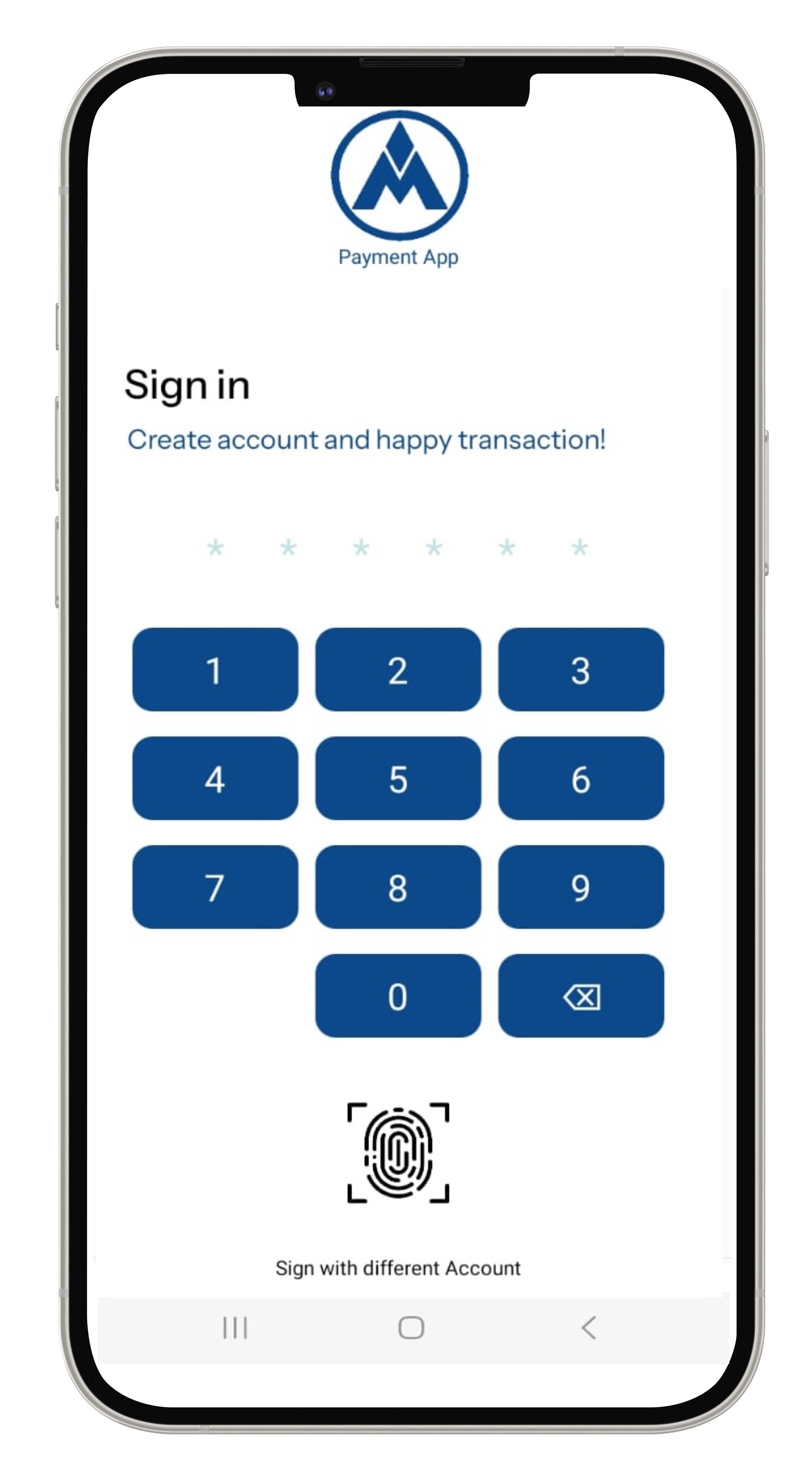
If the customer continues on mobile by scanning the QR code, they will need to sign in. If they choose to continue in the browser, they can directly enter their customer and card details.
Step 4
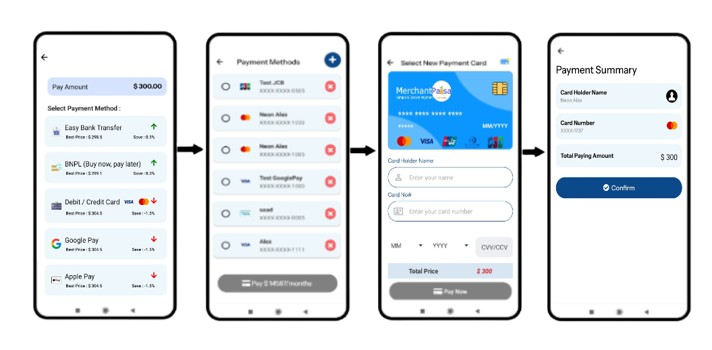
The consumer enters their card information and reviews the payment details.
Step 7
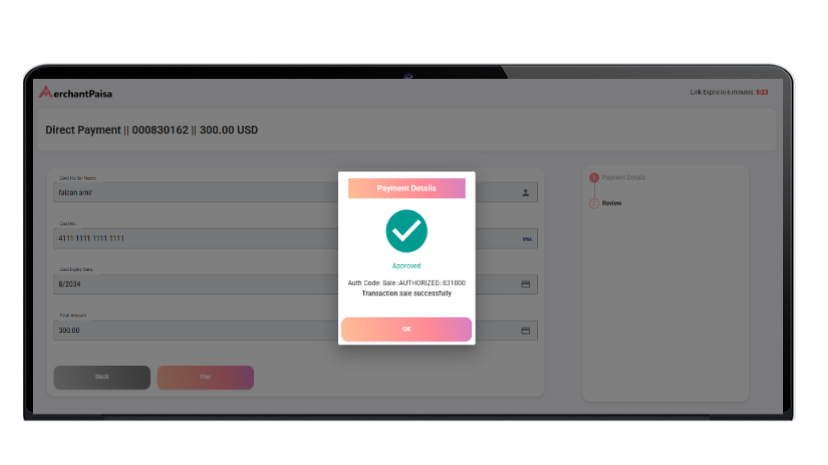
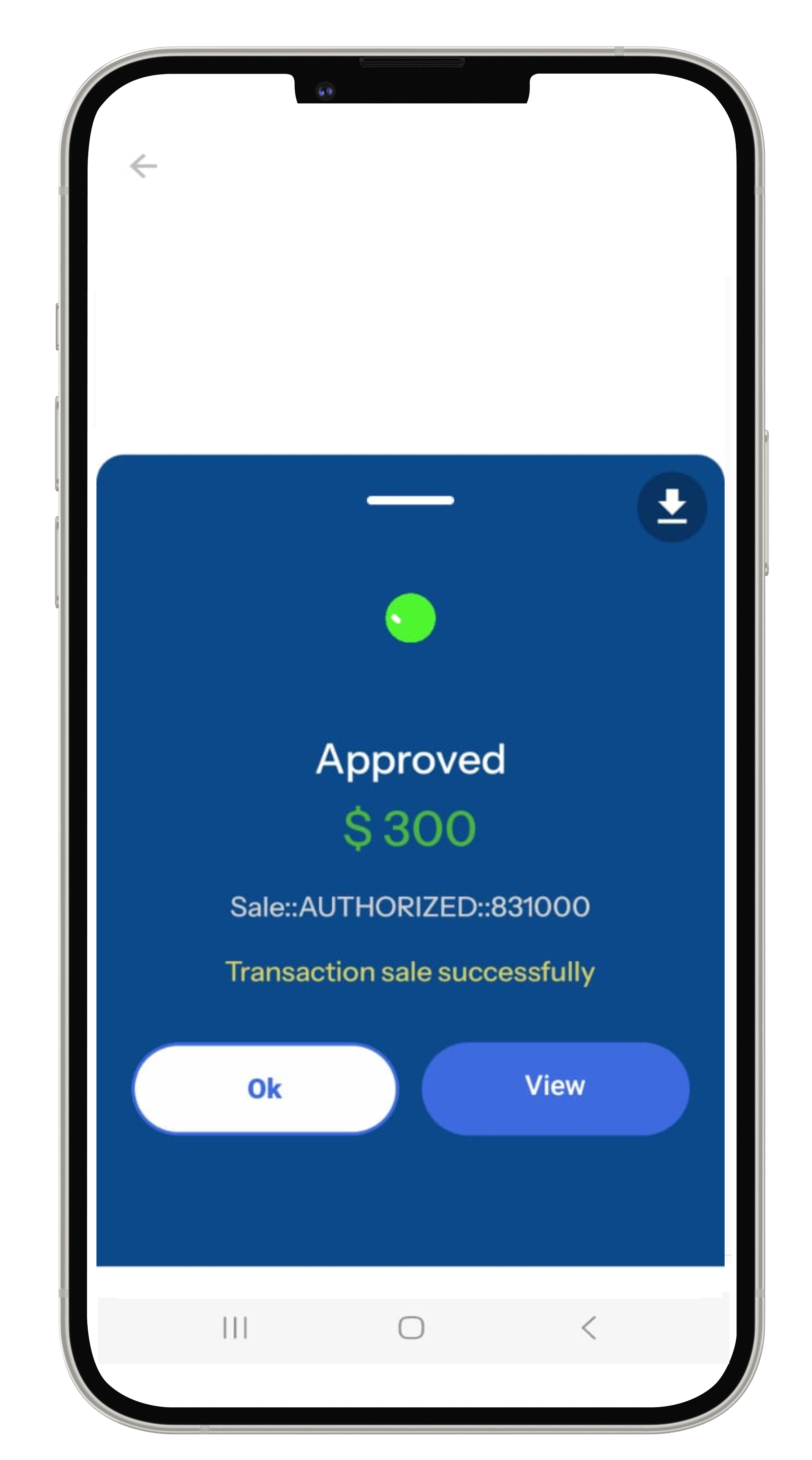
Once the payment is approved, the consumer receives the goods.
BNPL / Recurring PROCESS
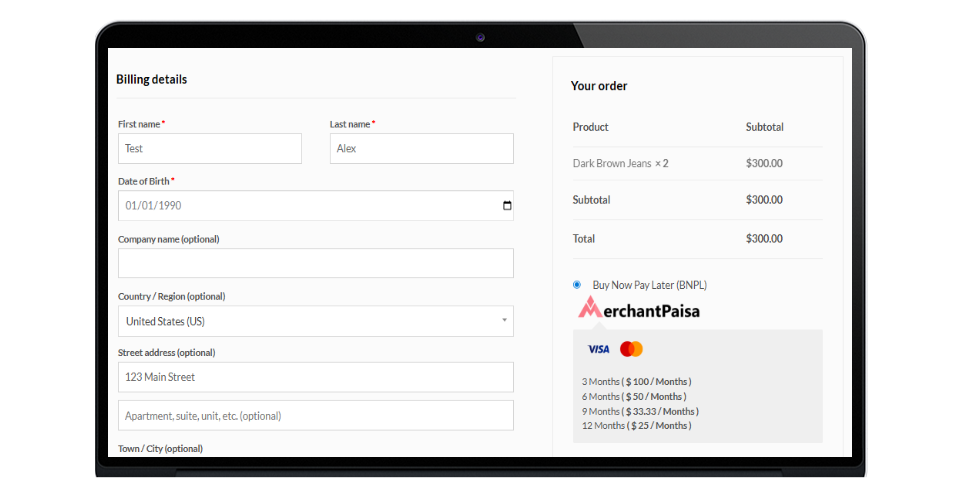
Step 1
The consumer selects their desired goods from the merchant's online store for BNPL process.
Step 2
Customers can continue their shopping either directly through the browser or by scanning a QR code on their mobile device.
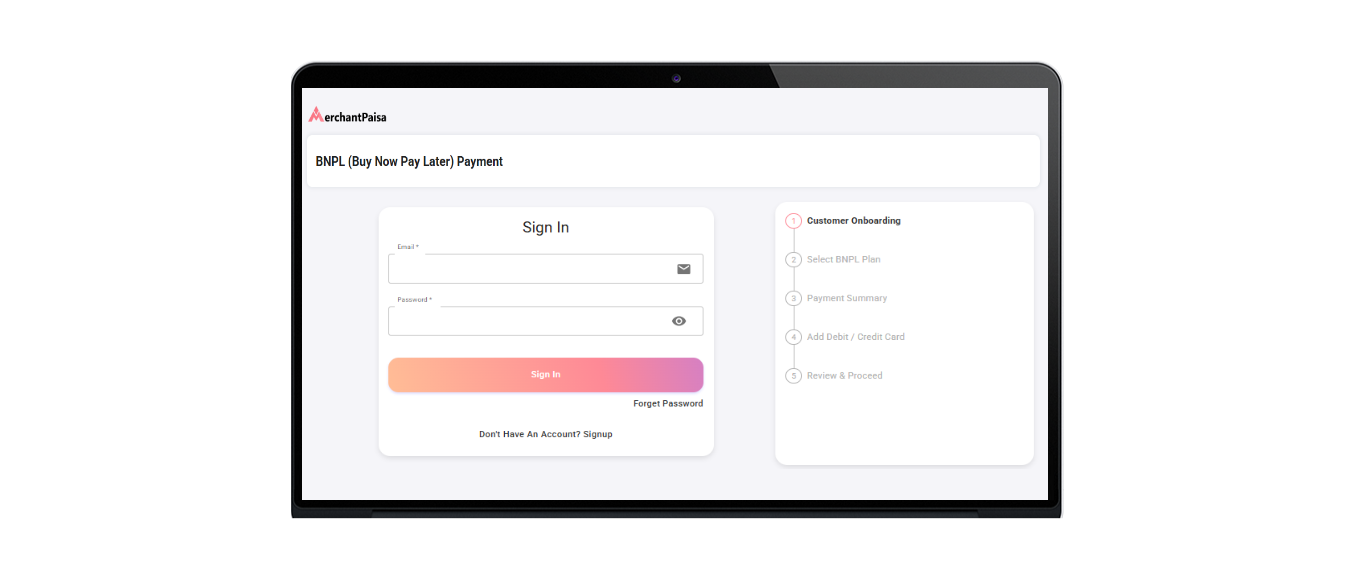
Step 3
They sign-in for a BNPL / Recurring account by providing basic details.
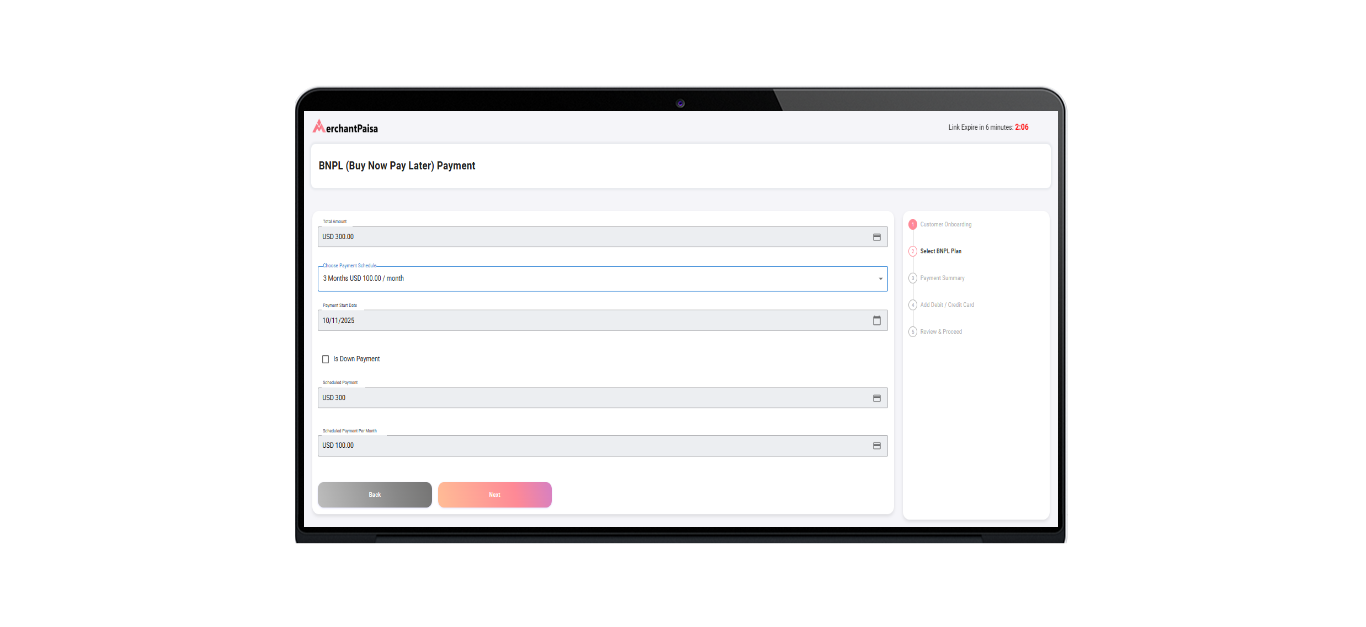
Step 4
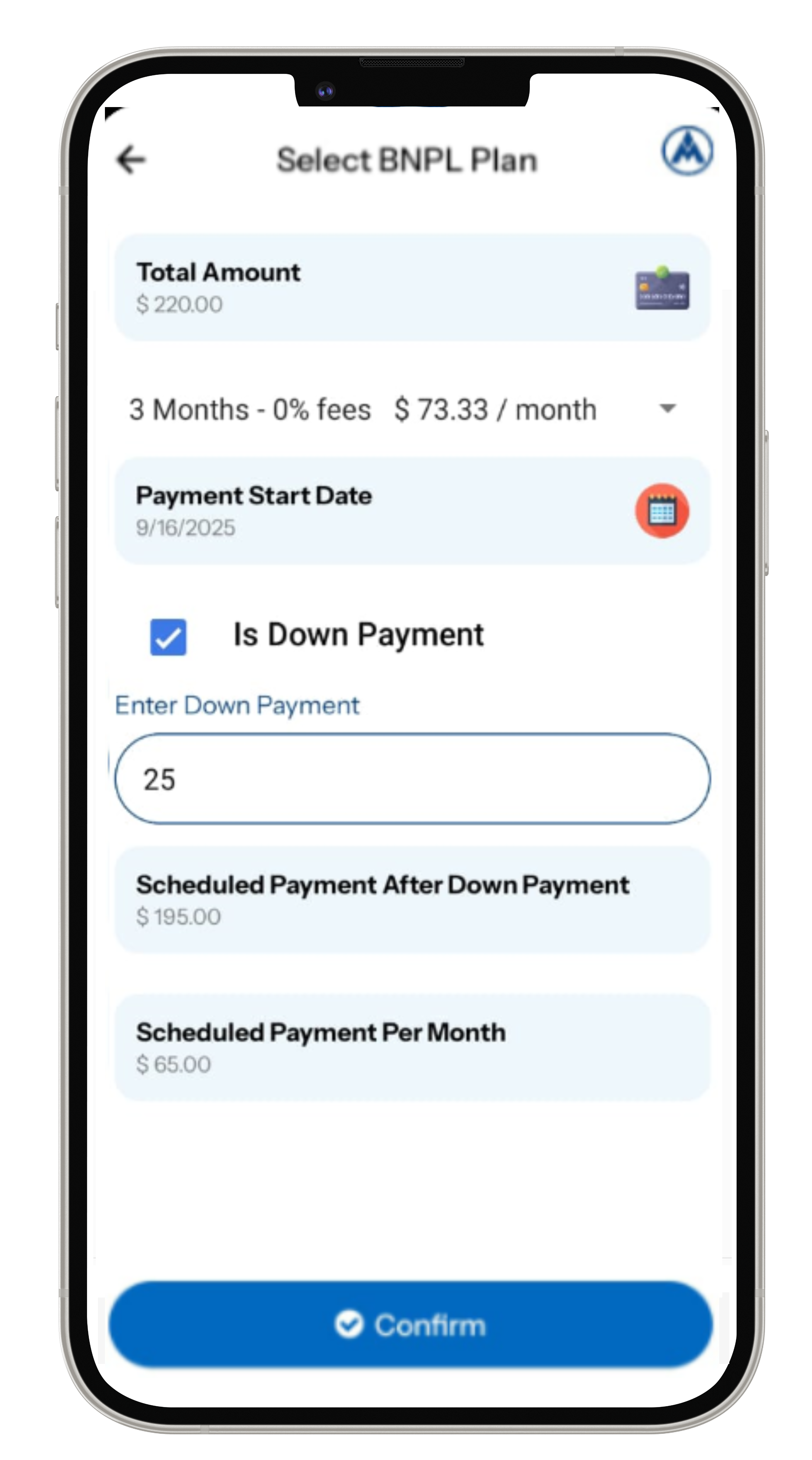
Next, they choose a BNPL / Recurring installment plan (e.g., 3-month, 6-month, or 12-month options).
Step 5
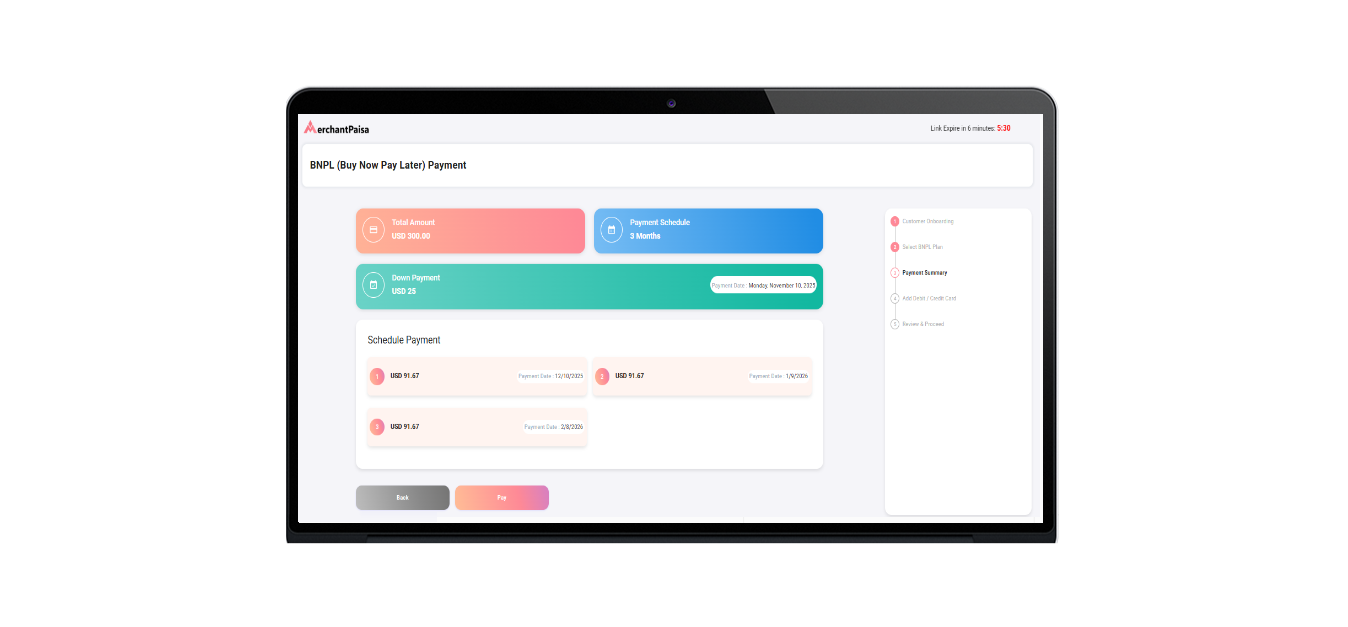
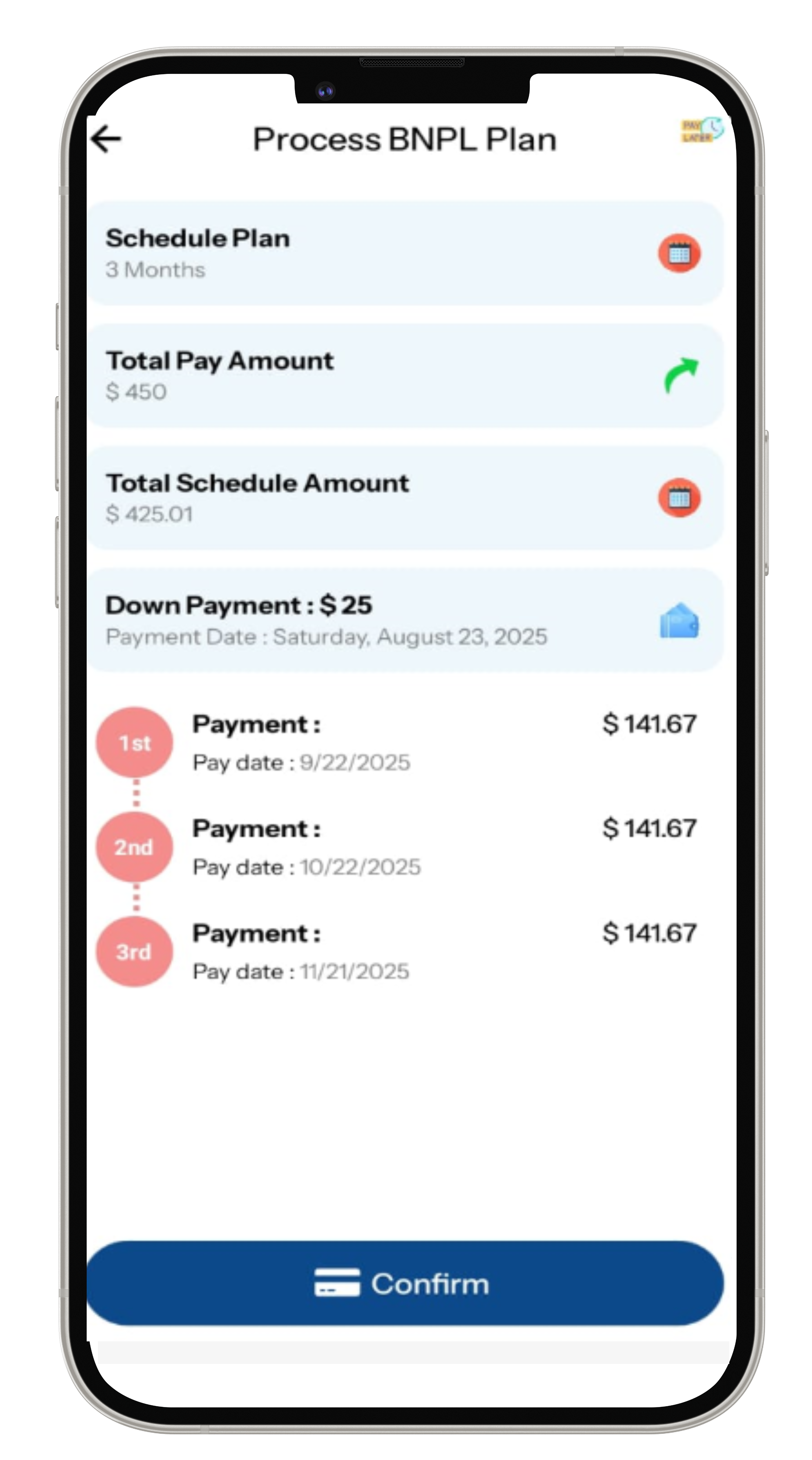
If a down payment is required, they add it, then review the plan, including the payment start date and recurring installment amount.
Step 6
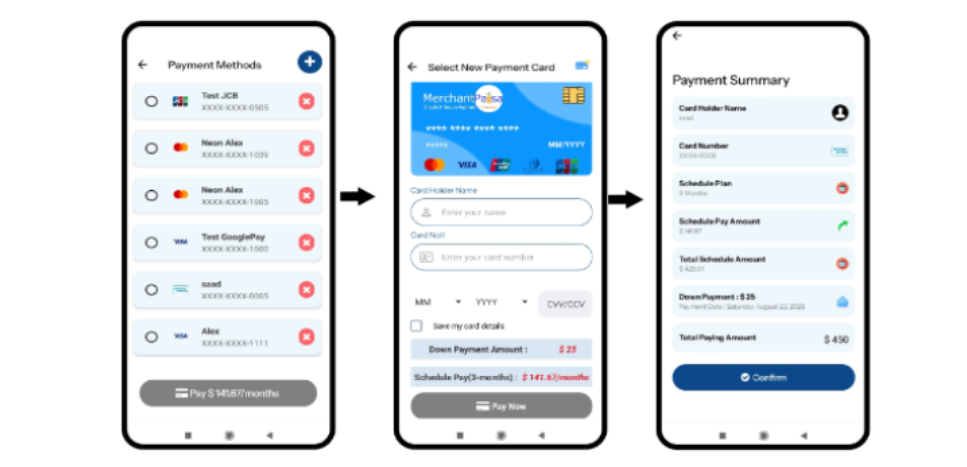
The consumer enters their card information and reviews the payment details.
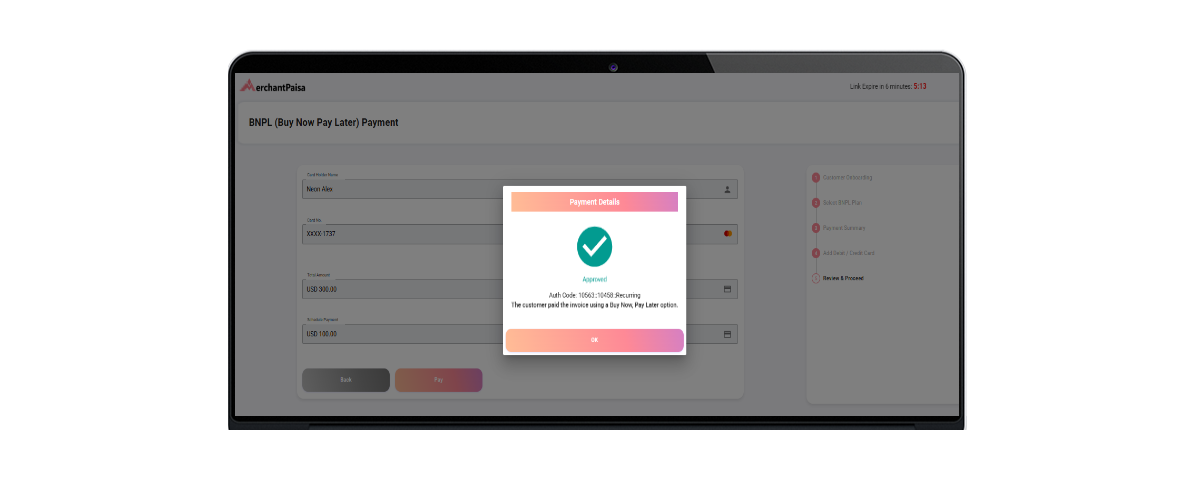
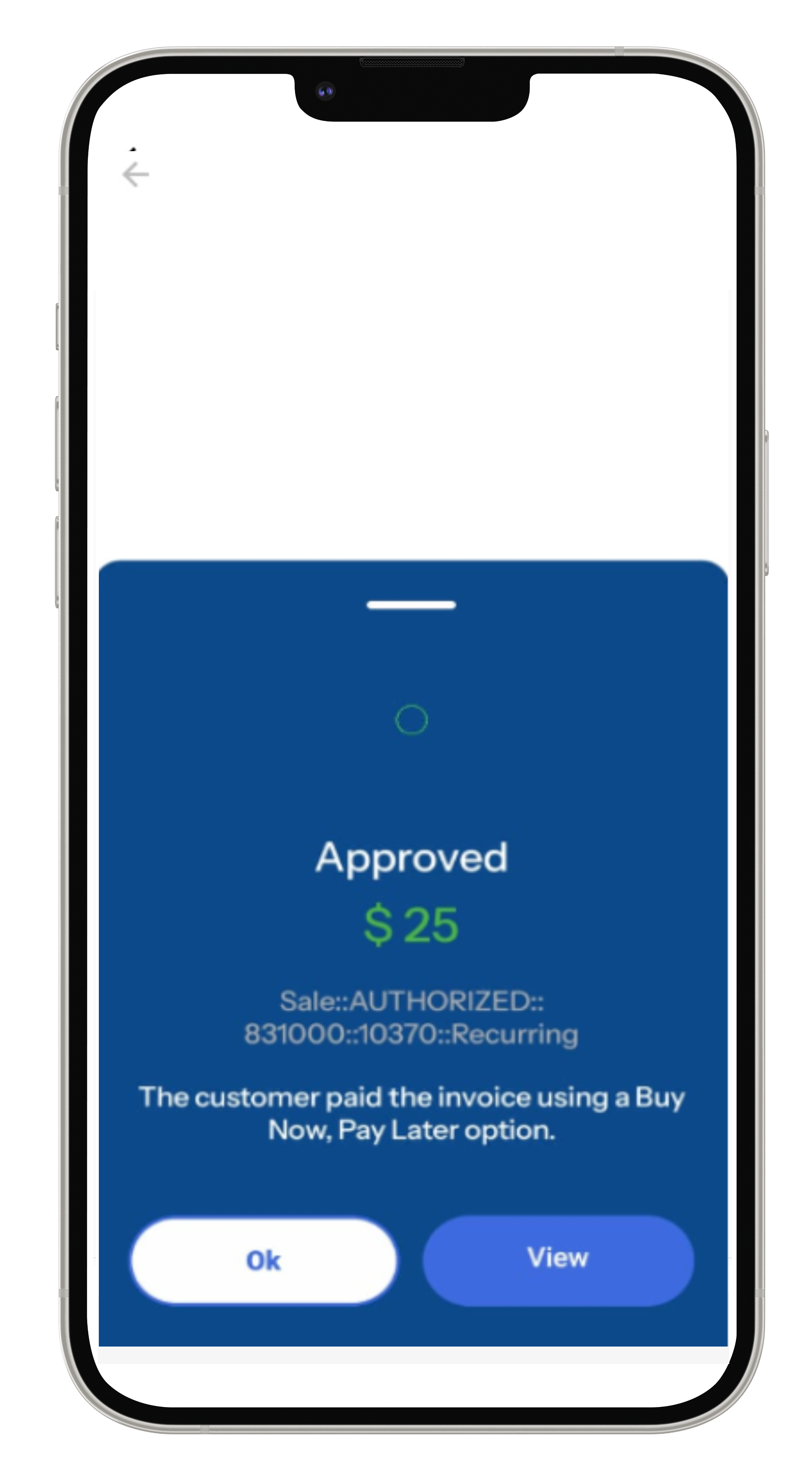
Step 7
Once the payment is approved, the consumer receives the goods.
Credit/Debit Card
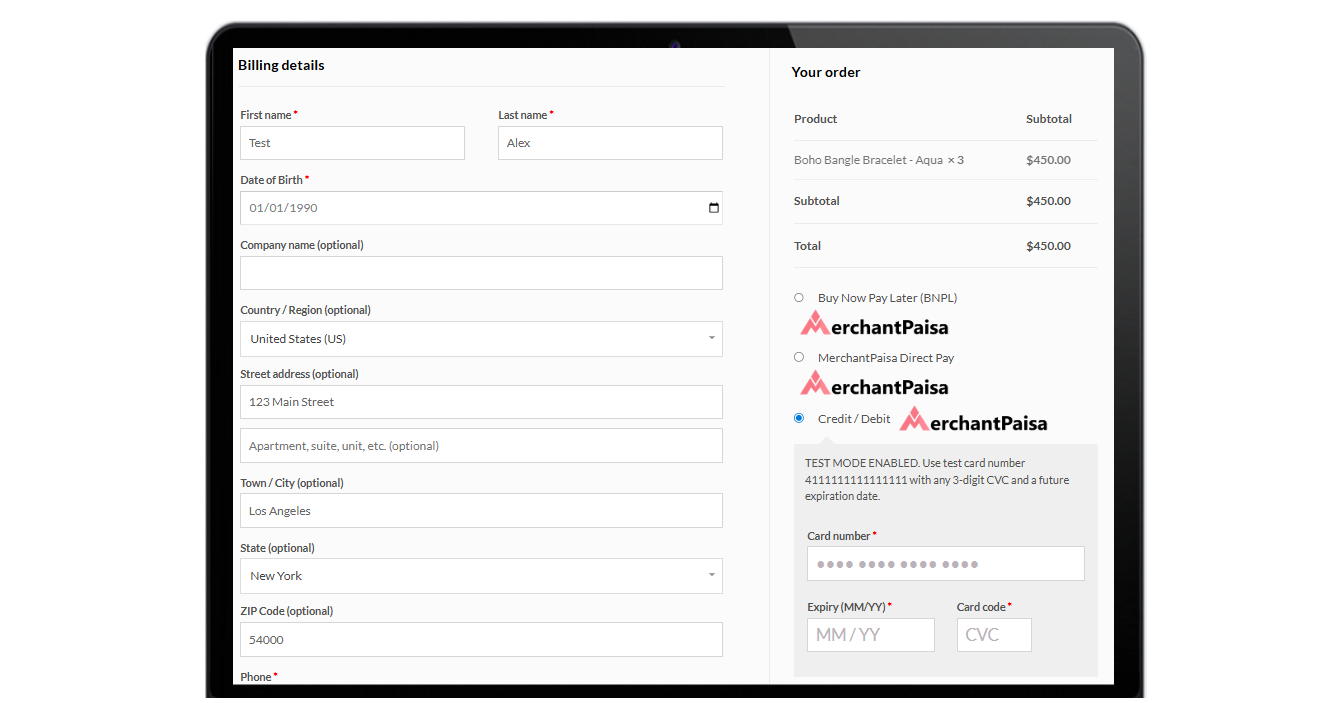
Step 1
The customer selects their desired products from the merchant’s online store and proceeds to enter their credit or debit card details, including card number, expiry date, and CVC code.
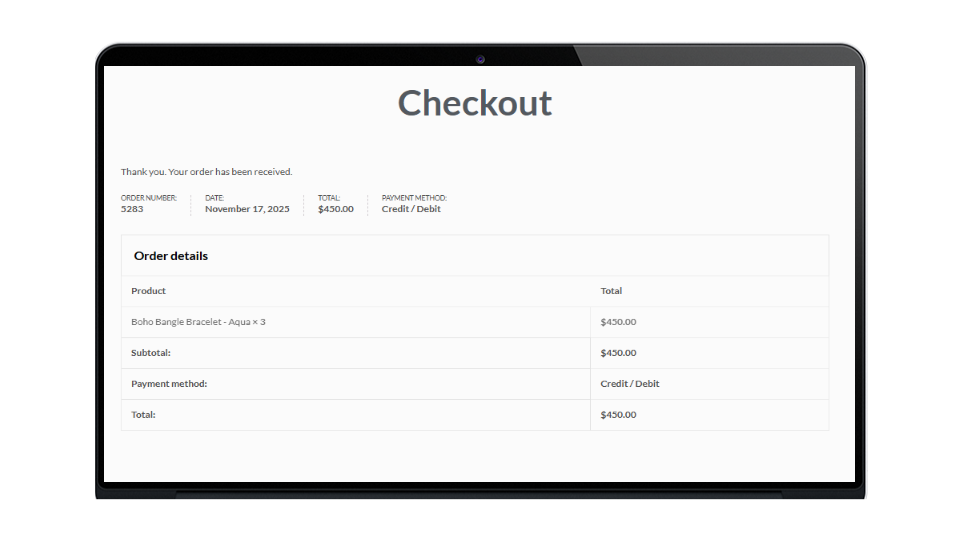
Step 2
Once the payment is approved, the consumer receives the goods.
Third Party Integrations List

Lexis Nexis

WorldPay

UnionPay - China

MasterCard